 Camipack
Guide · 5 steps · 2 min
Flights, trains and ferries
Add how you get somewhere to any day, and Camipack keeps track of it for you. Import a ticket and it looks the flight up by itself — the airline, both airports, the terminal and whether it is running to time — so there is nothing to type. In the five hours before you leave, the flight appears on your Lock Screen with a countdown, and keeps counting to landing once you are aboard. It needs no signal: the countdown runs on the phone itself.
- 1
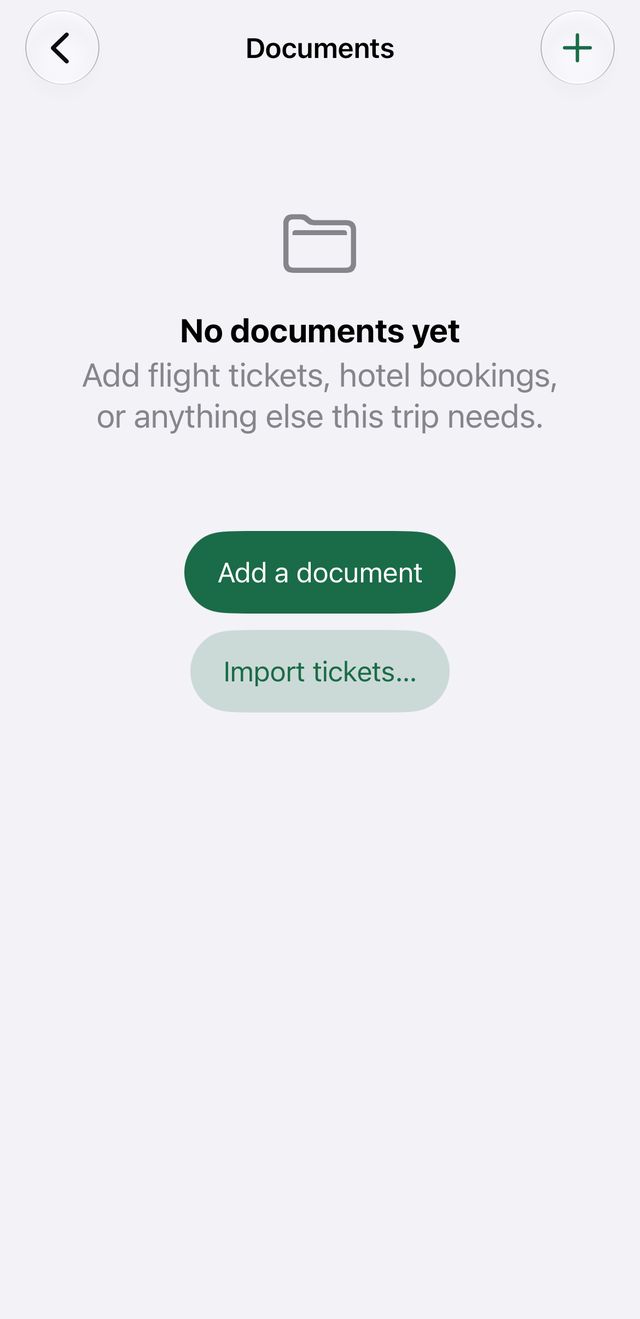
Open a trip, tap Docs, then + and “Import tickets…”. Pick everybody's ticket at once — Camipack collapses the family's copies of one flight into one flight and files each person's ticket.
- 2
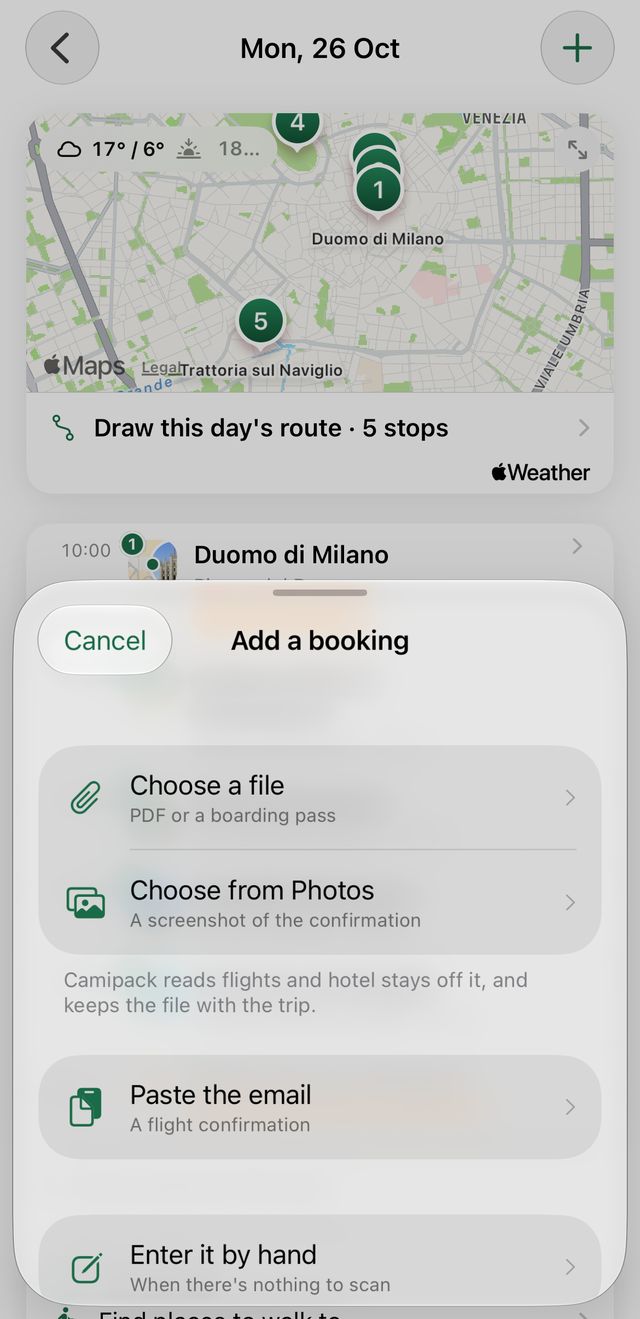
Or add one by hand: in a day, tap + and choose Travel. Type the flight number and tap “Check flight”.
- 3
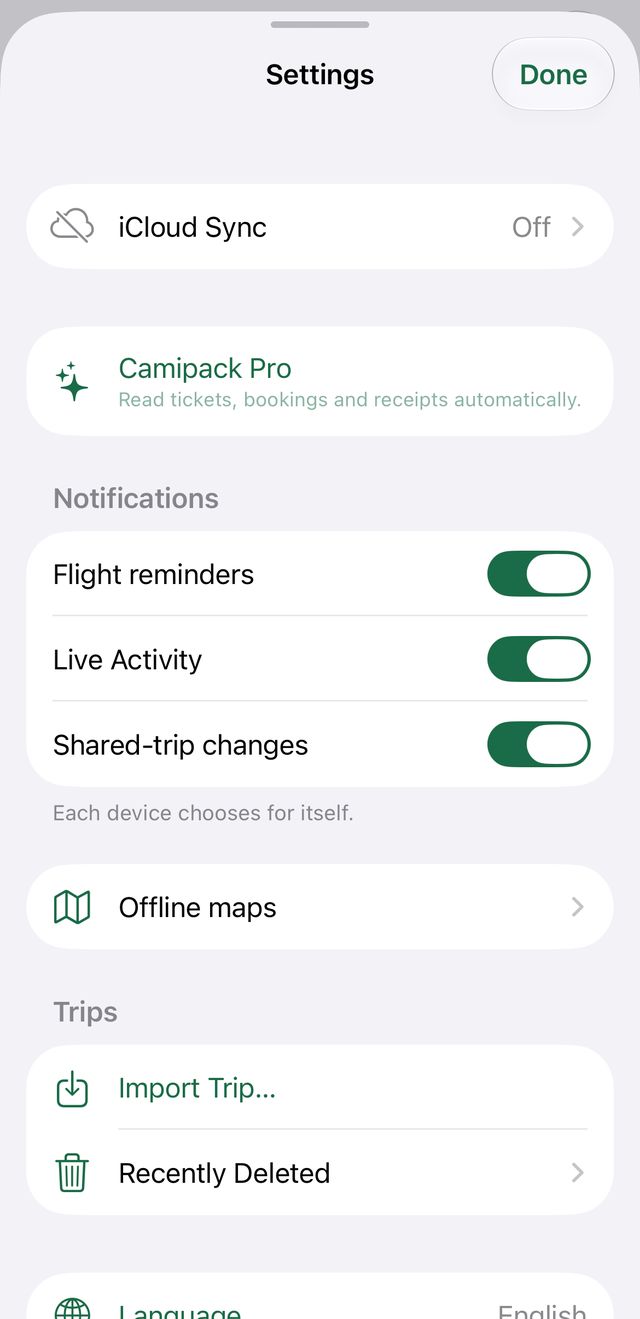
You are reminded the evening before, and five hours before departure. Both can be switched off in Settings, under Notifications.
- 4
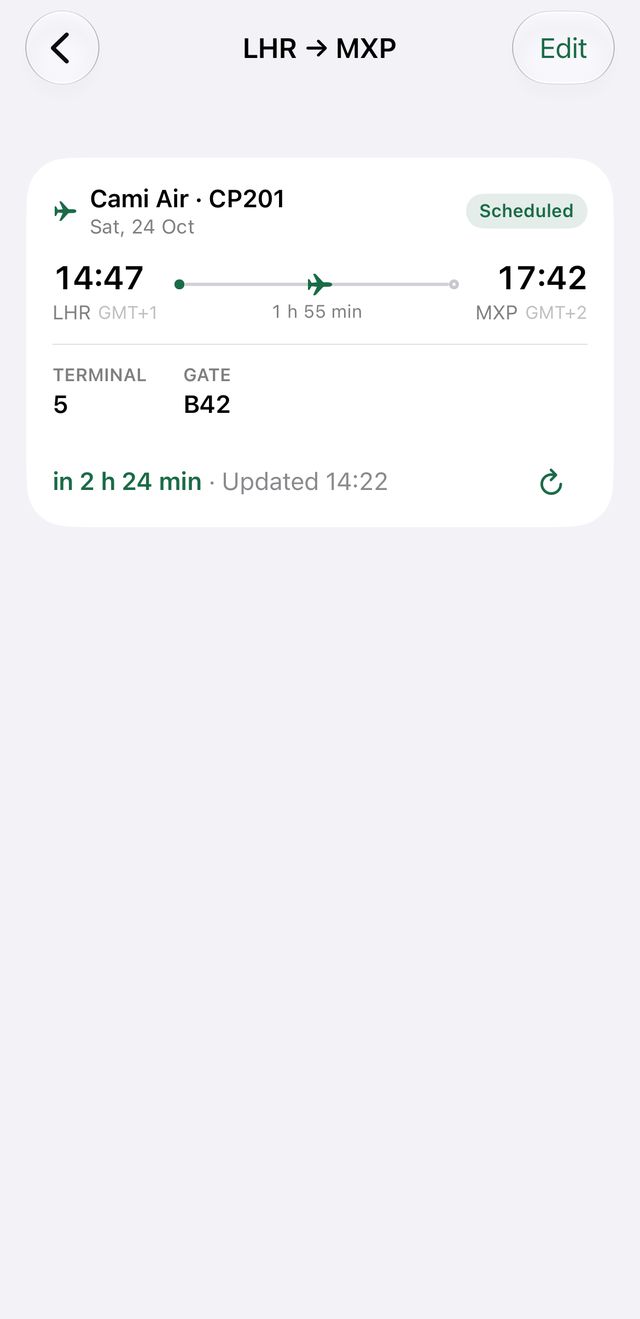
Tap the Lock Screen card to open the flight: its status, directions to the terminal, and the ticket you filed.
- 5
Trains, buses and ferries work the same way, in their own words — a train has a platform, a ferry has a berth.