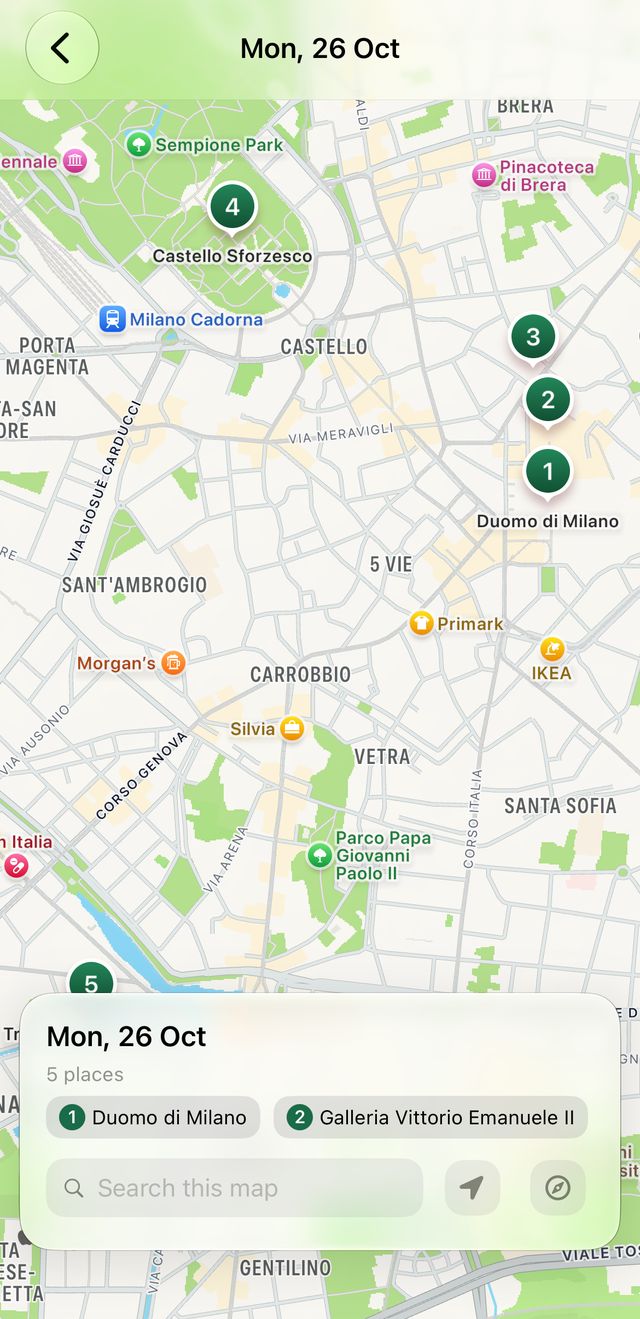
 Camipack
Guide · 3 steps · 1 min
Draw a walking route
Camipack 1.142iPhoneUpdated 24 Oct 2026
A Route is an activity whose shape you draw yourself. Camipack snaps a real walking path between your stops and keeps it stored in the trip, so it still draws when you're offline later.
- 1
Open a day with two or more places and tap “Draw this day's route” under its header.
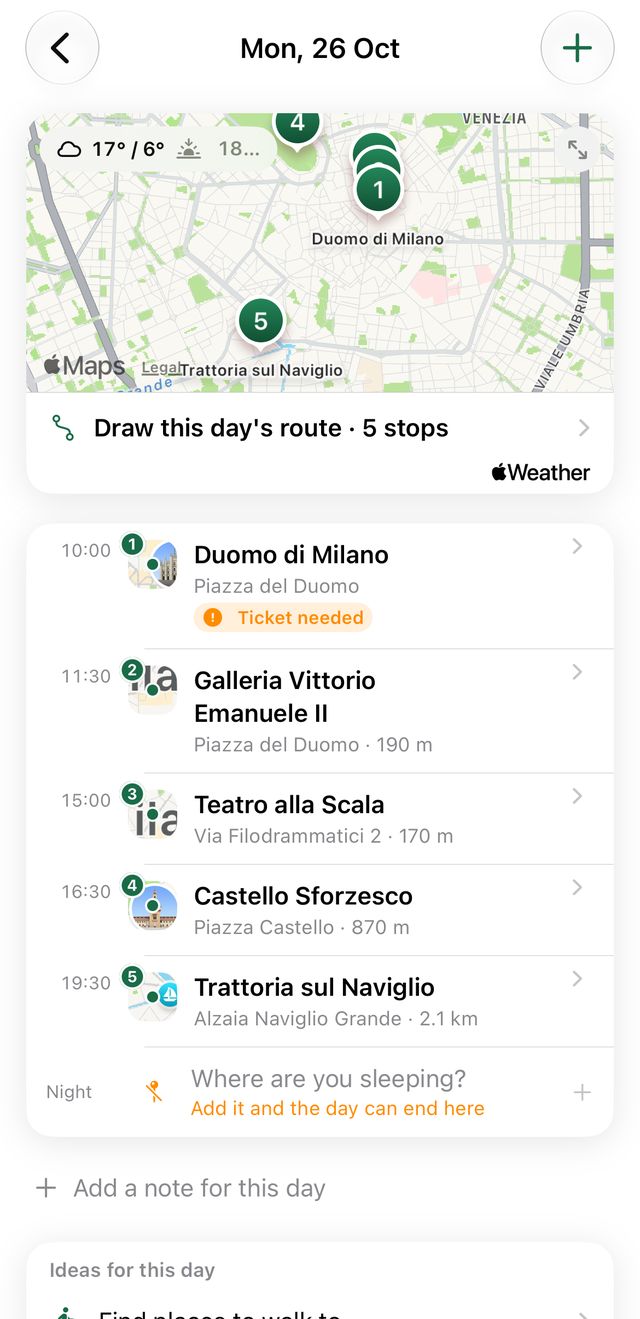
- 2
Choose how you're getting around, and reverse the order if you like. The path is drawn between your stops.
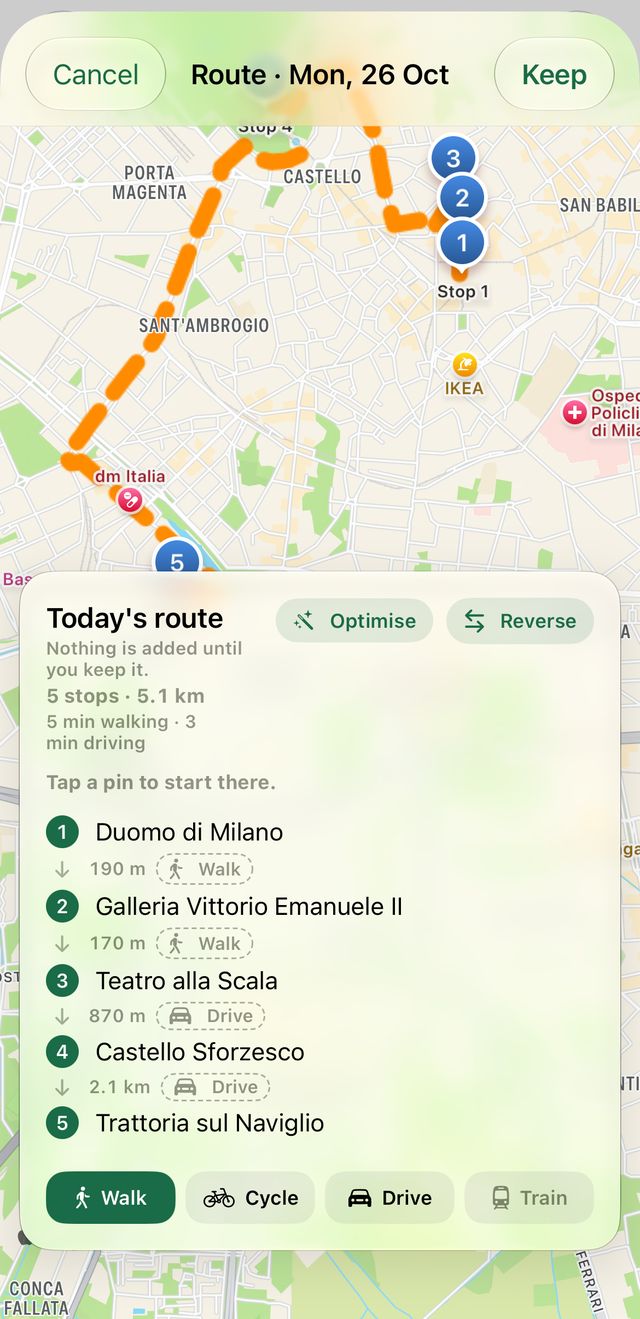
- 3
Tap “Keep”. The route now shows on the day map and the trip map.