 Camipack
Guide · 6 steps · 2 min
Plan your first trip
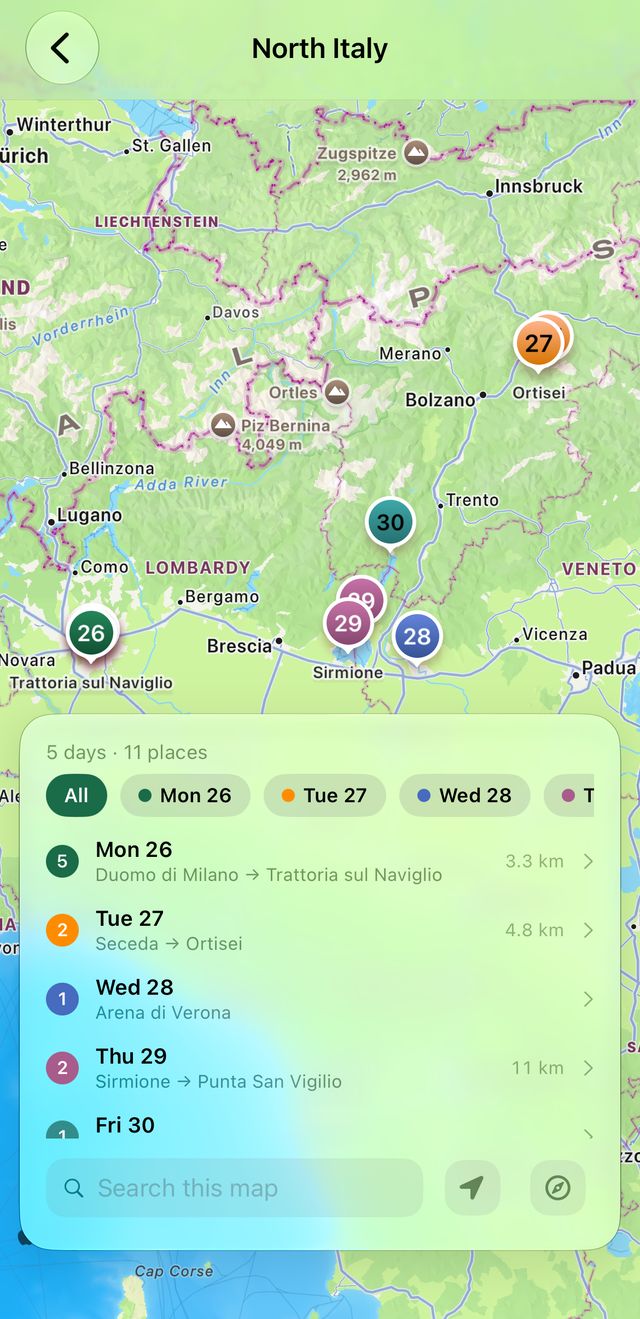
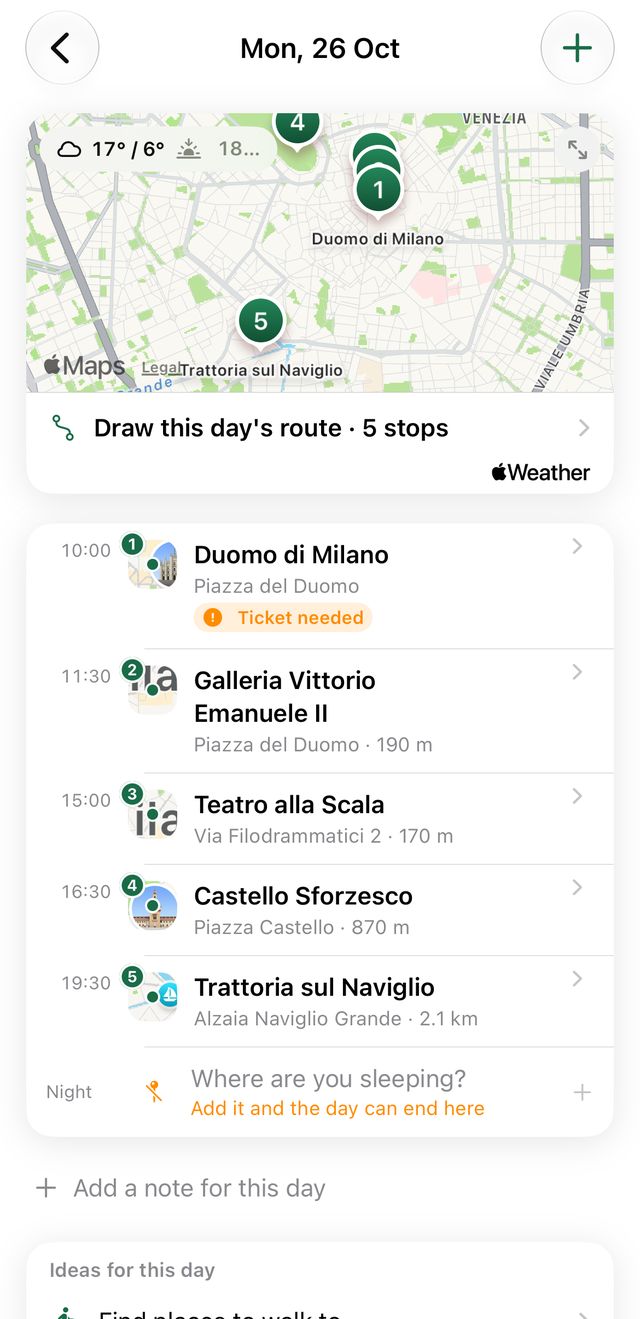
A trip is a set of days; each day is a timeline of places, meals, walks, and tickets. Activities with a location show as numbered pins that match the timeline order.
Open in Camipack › Download on the App Store
- 1
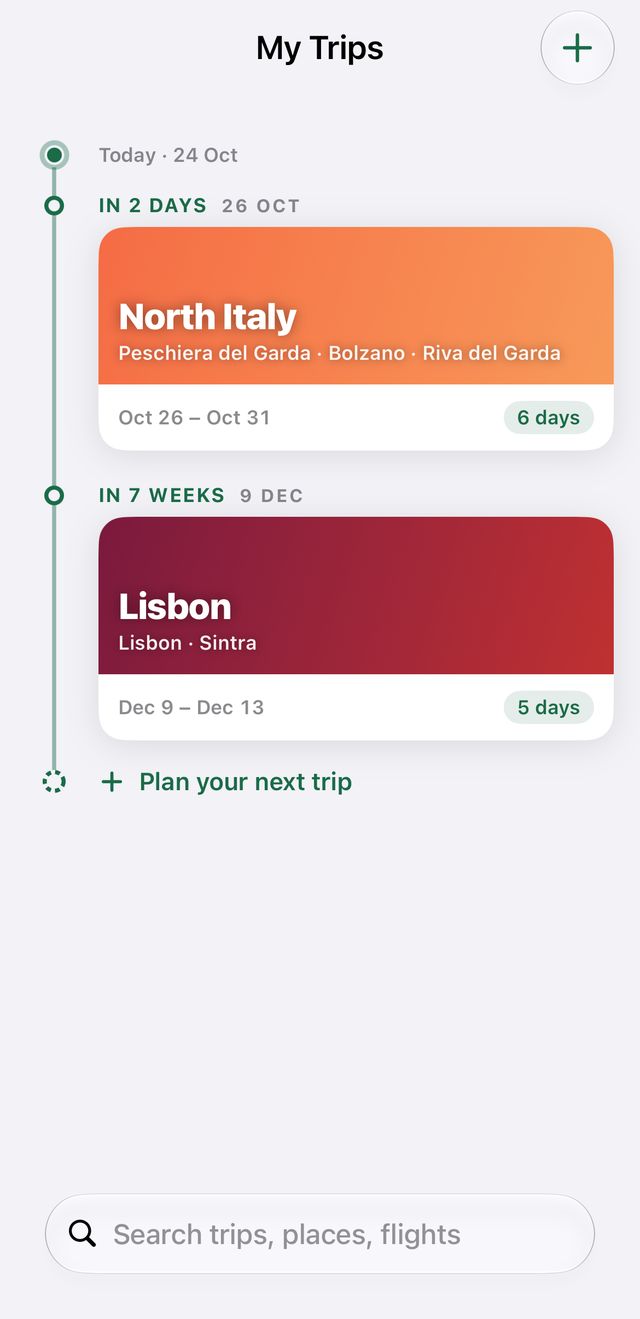
On the home screen, tap + at the top right.
- 2
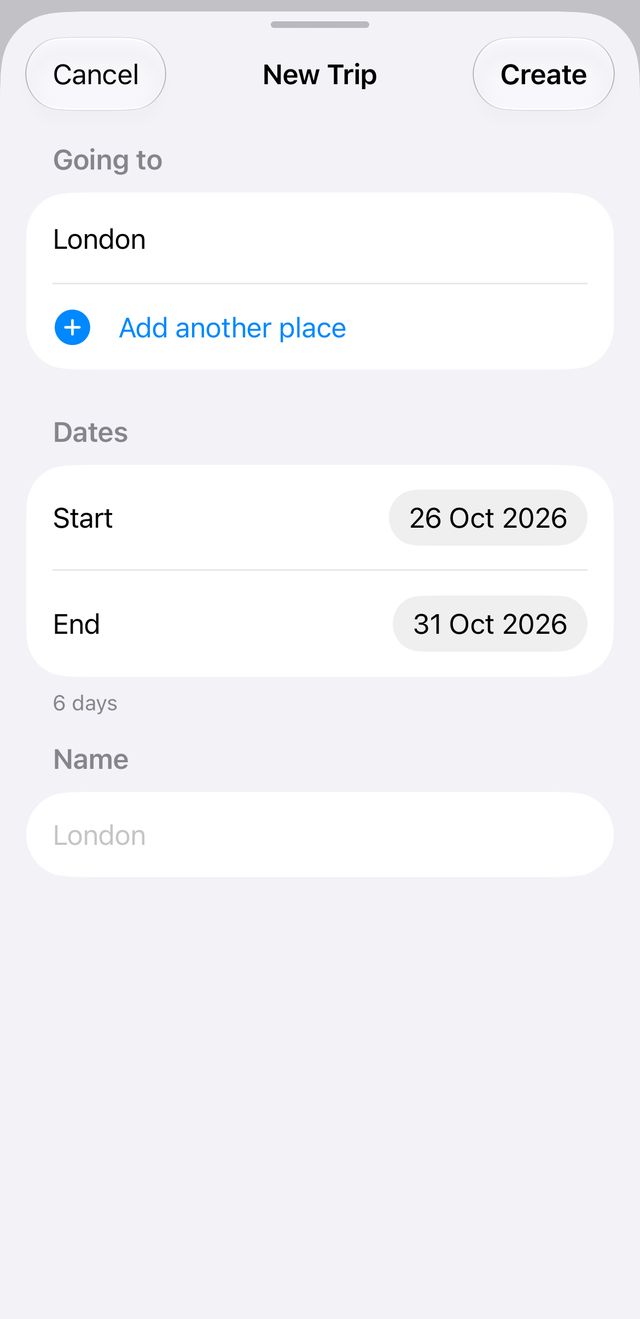
Type a destination and pick it from the suggestions, choose the dates, then tap Create. A name is optional.
- 3
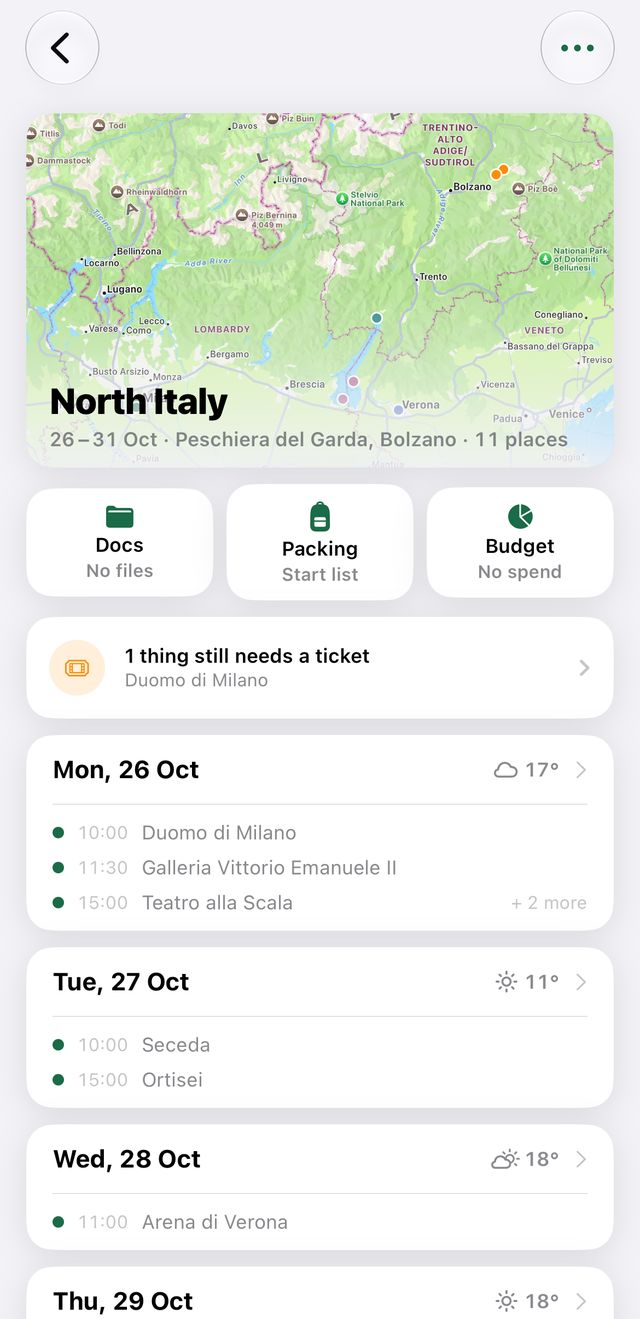
Open the trip and tap any day card to plan that day.
- 4
Tap the round green + and pick Place. Search for it by name, browse what's around you, or take one off your saved shelf.
- 5
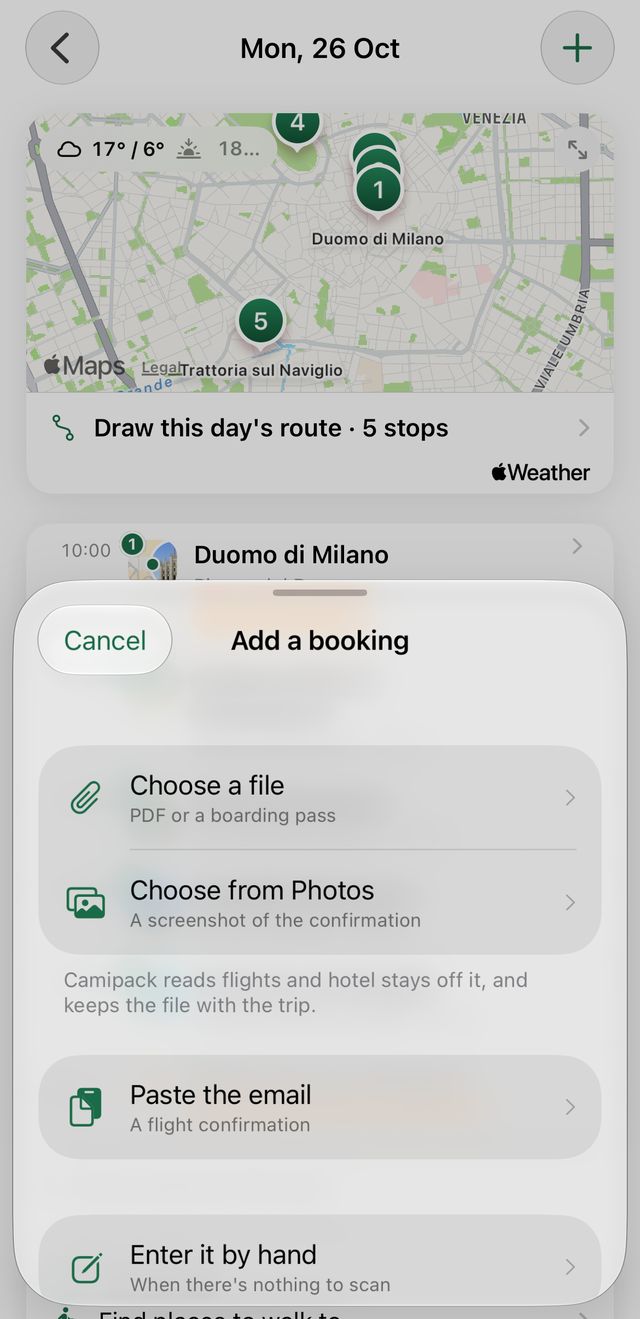
For a flight, train, drive, bus or ferry, tap + and pick Booking. Scan the ticket or paste the email and Camipack fills in the rest; typing it by hand is there when there's nothing to scan.
- 6
Tap the big map at the top of the trip to see everything at once; each day has its own map too.