 Camipack
Guide · 5 steps · 1 min
Share a trip with family or friends
Camipack 1.142iPhoneUpdated 24 Oct 2026
Sharing lets two people edit the very same trip, with changes syncing through iCloud within moments. Both of you need to be signed in to iCloud. If you edit the same activity at the same moment, the later change wins.
- 1
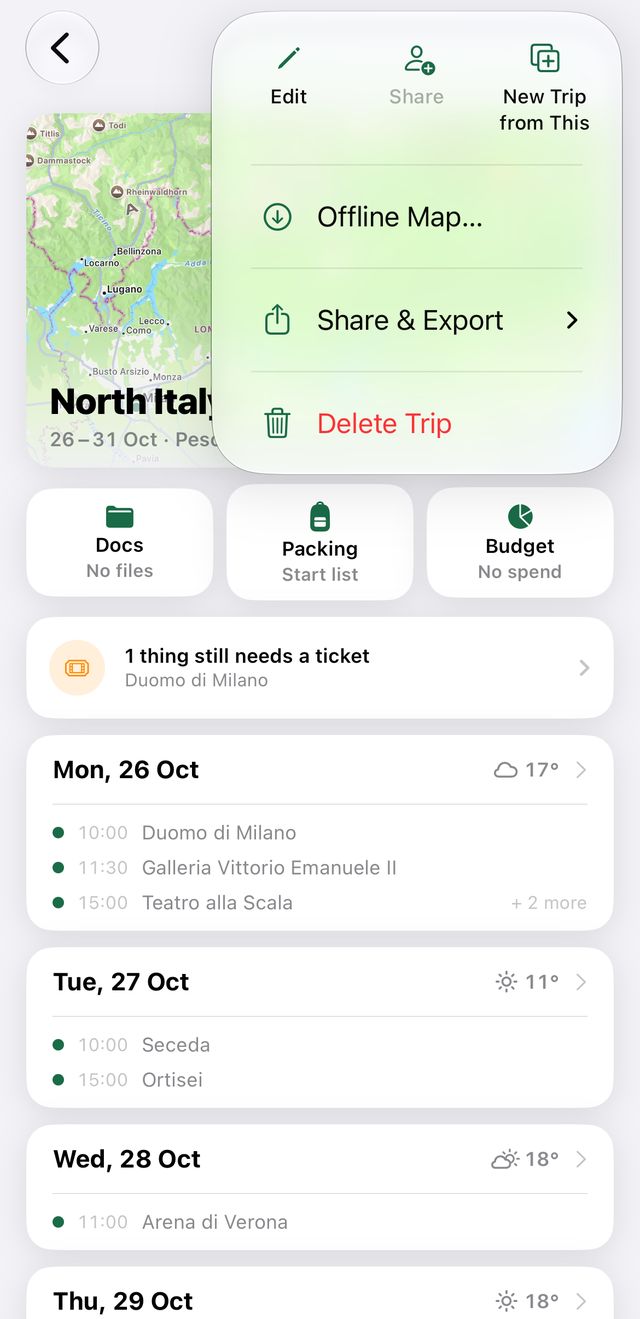
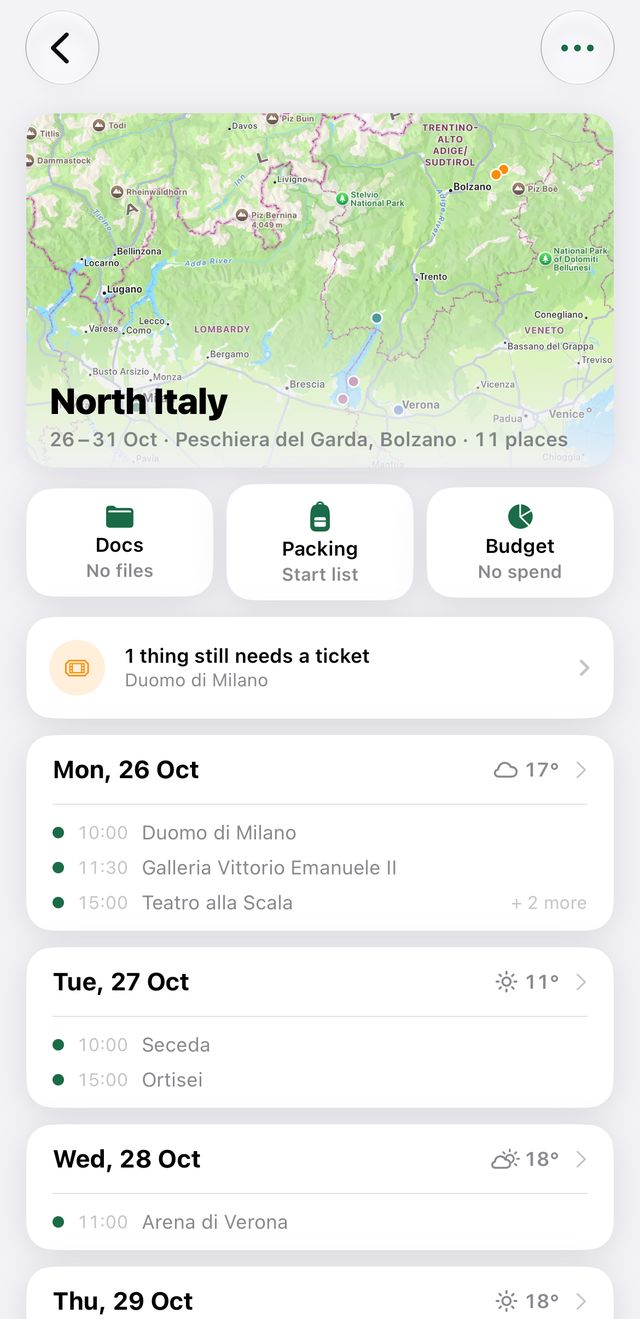
Open the trip and tap the ⋯ button in the top-right corner.
- 2
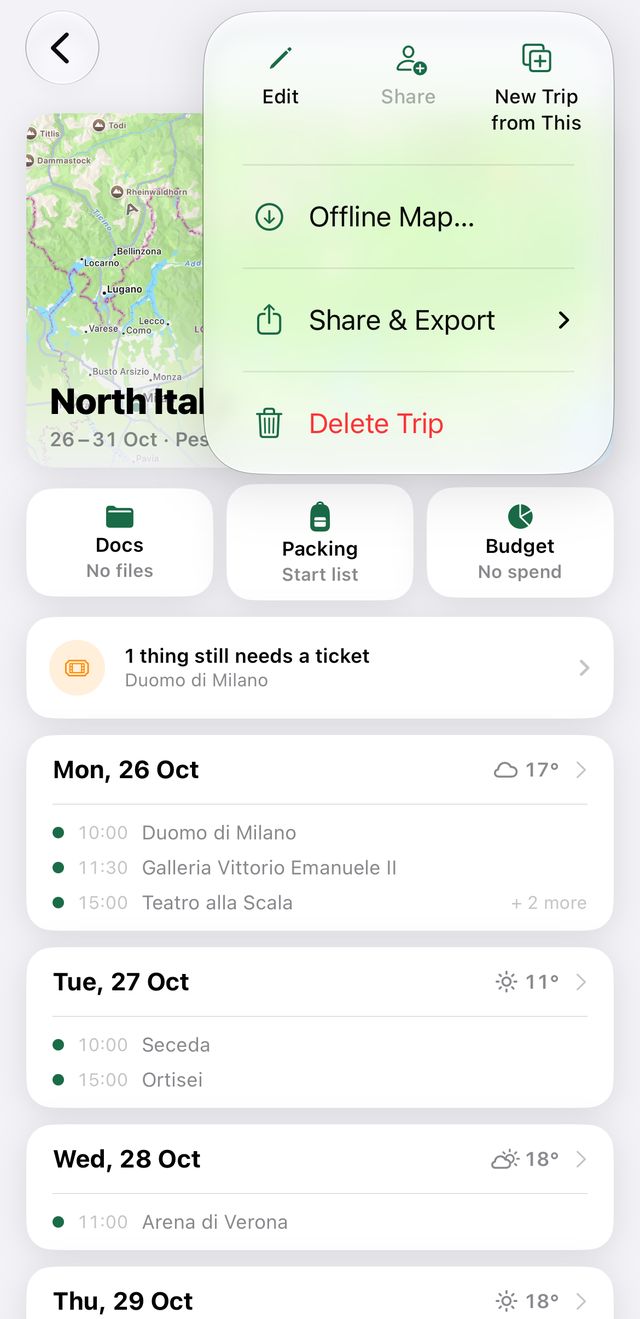
Tap “Share” and send the invitation — Messages works best.
- 3
The other person taps the link and then “Join Trip”. The trip appears in their Camipack.
- 4
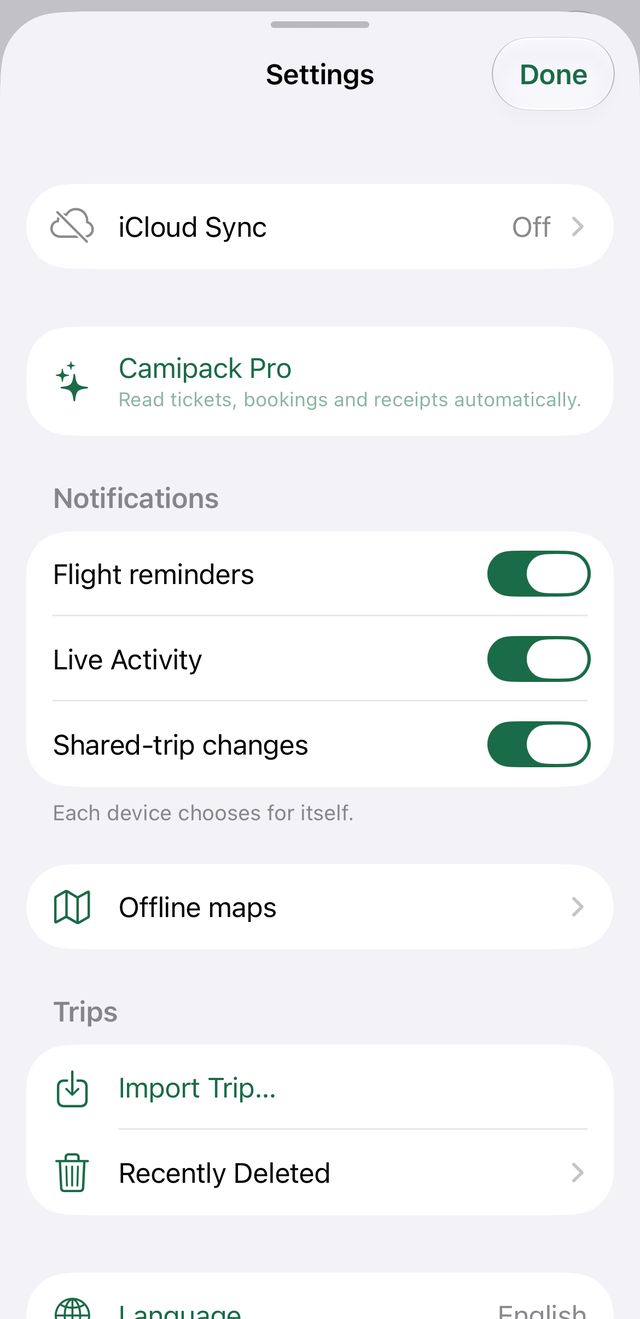
Settings on the home screen shows sync status — tap it, then iCloud Sync, for details or to pause syncing.
- 5
To end sharing later: same ⋯ menu → “Stop Sharing”. The trip disappears from their device.