 Camipack
Guide · 4 steps · 1 min
Tickets & documents
Camipack 1.142iPhoneUpdated 24 Oct 2026
Keep tickets, bookings, and papers inside the trip they belong to. Attach to a single activity (a museum ticket) or to the whole trip (insurance). Camipack reads attachments and fills in what it finds — a time, an address, a link — but only into fields you've left empty, and Undo puts things back.
- 1
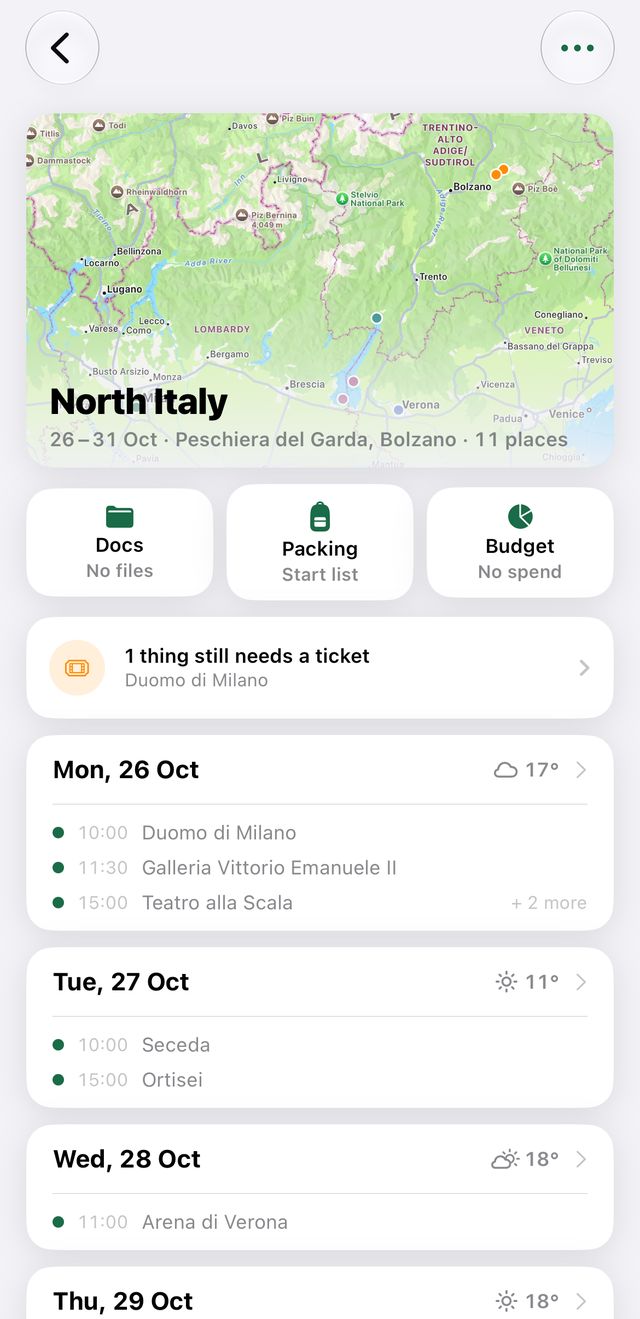
Open a trip and tap “Docs” — the first of the three buttons under the map.
- 2
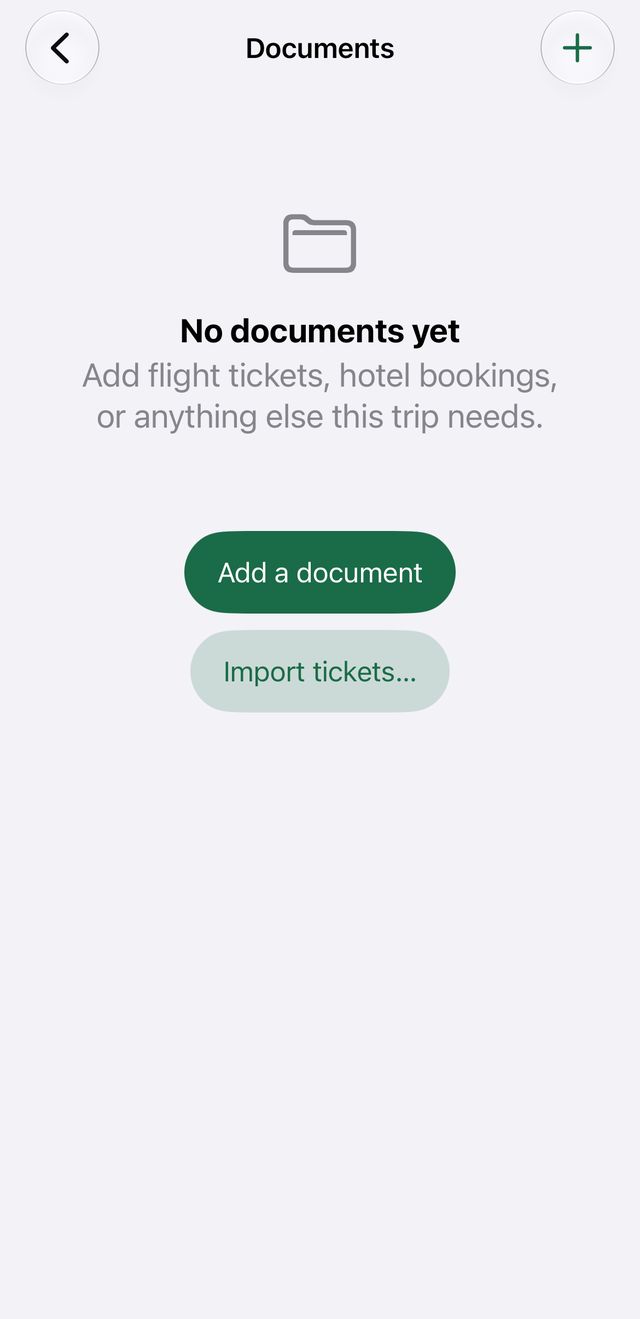
Tap + and attach a PDF or photo, from Files or straight from the camera.
- 3
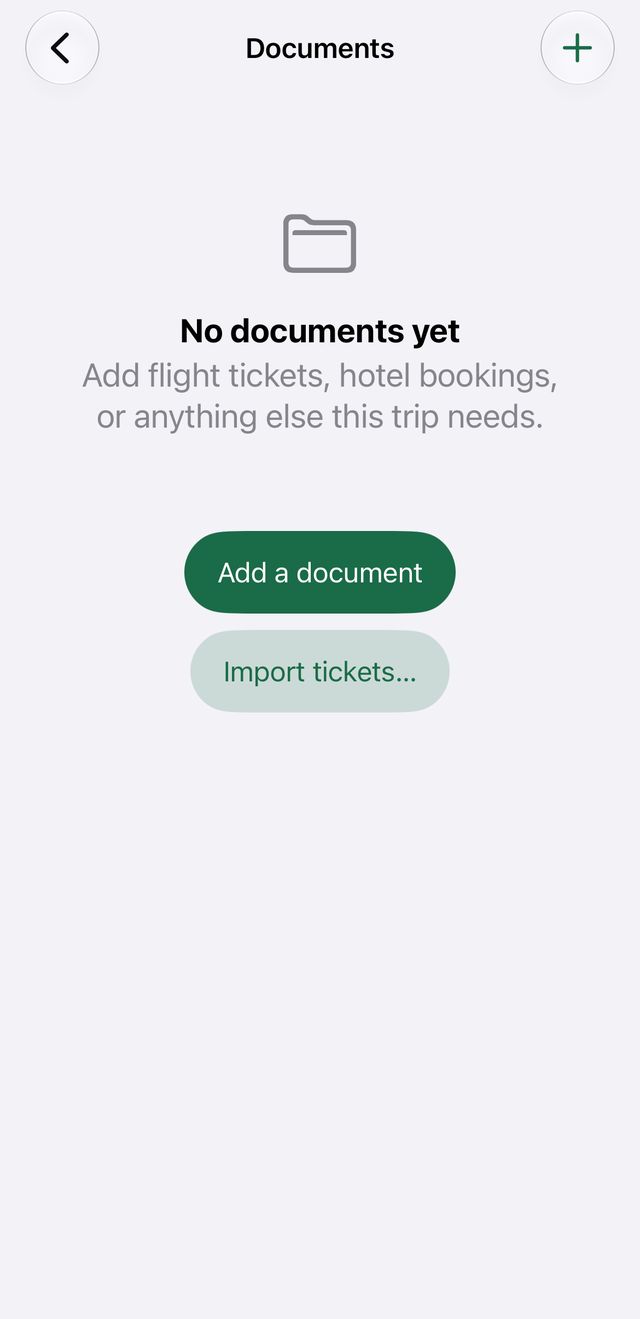
Tap a document once to view it full-screen. Long-press it to rename or delete.
- 4
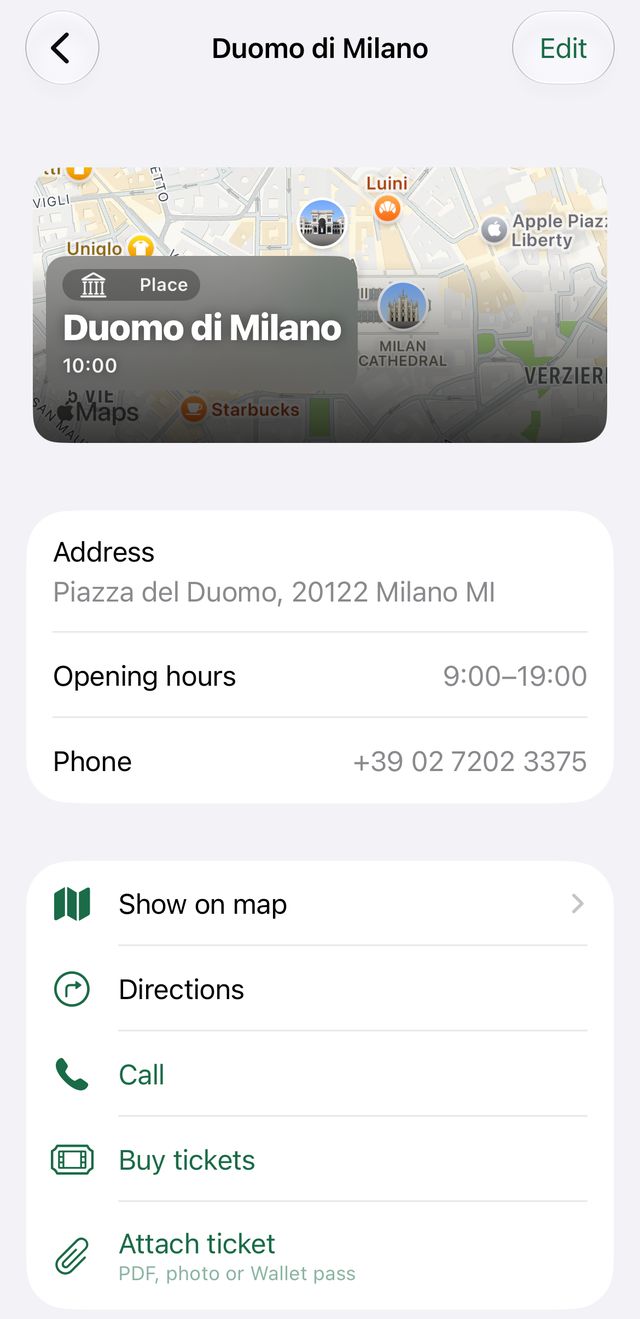
For activity tickets: open the activity, attach there — empty fields fill in automatically.