 Camipack
Guide · 4 steps · 1 min
Packing lists
Camipack 1.142iPhoneUpdated 24 Oct 2026
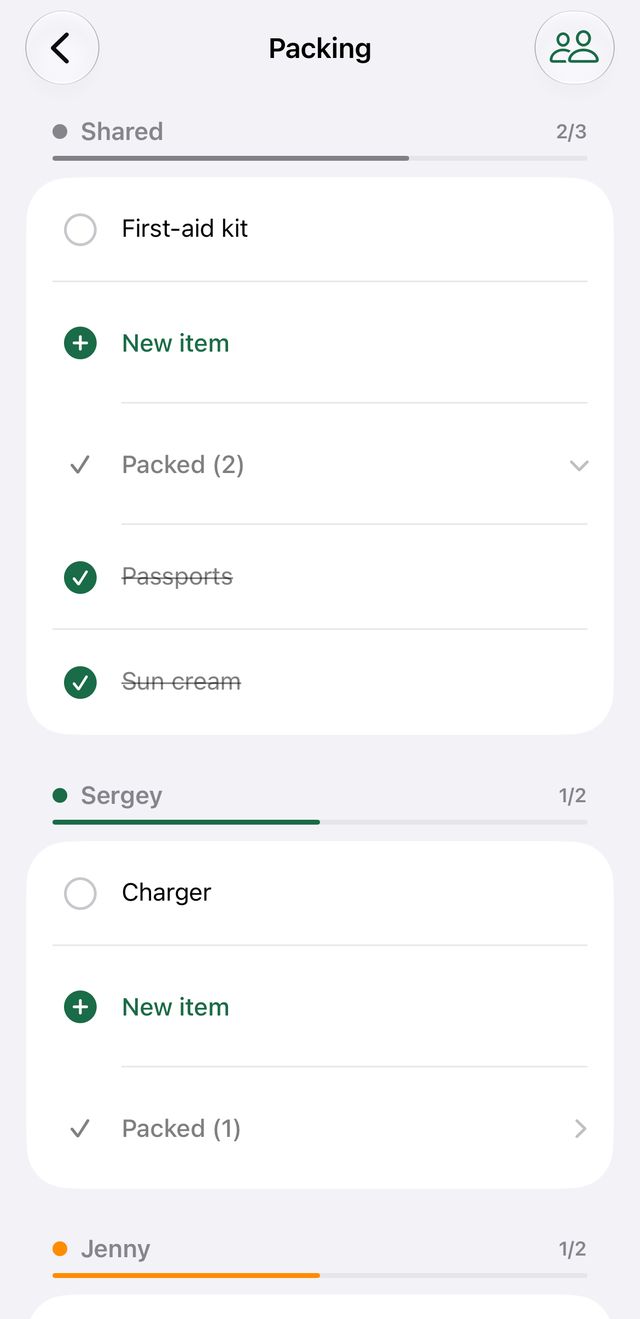
Every trip has one shared packing list plus a personal list for each traveller. Counts on the trip screen show how much is already packed, and shared lists sync like everything else.
- 1
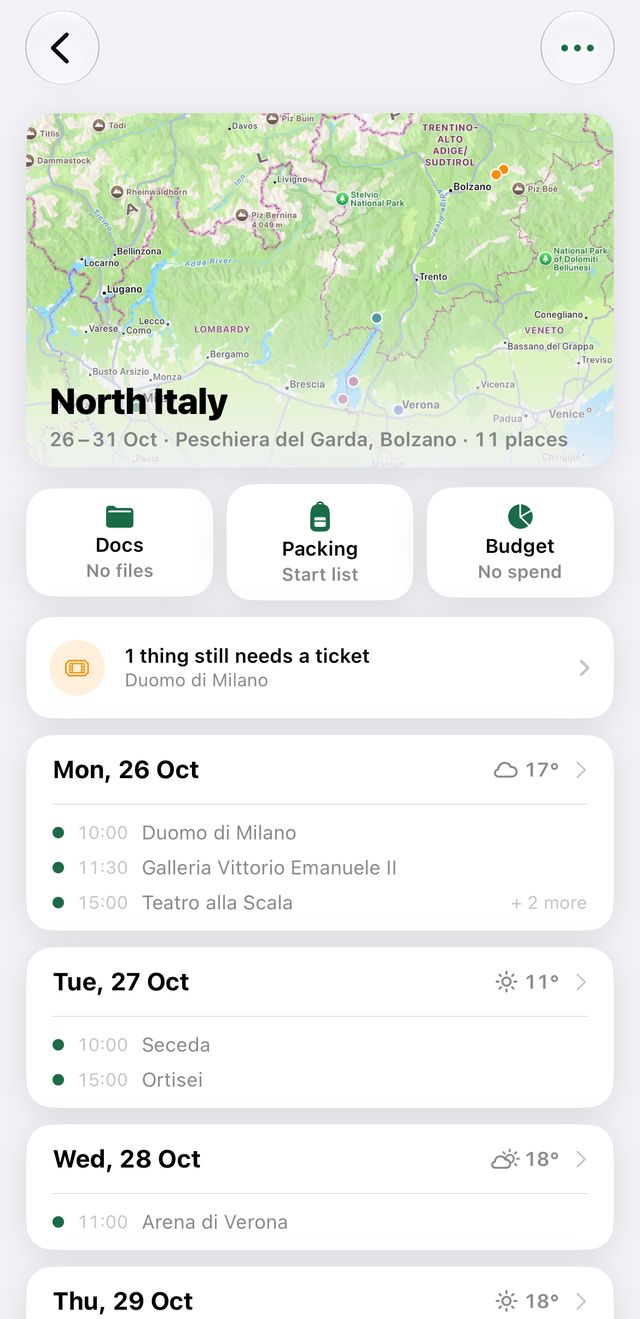
Open a trip and tap “Packing” — the middle of the three buttons under the map.
- 2
Every list is on one page: Shared first, then one for each person. Tap a list's name to show only that list.
- 3
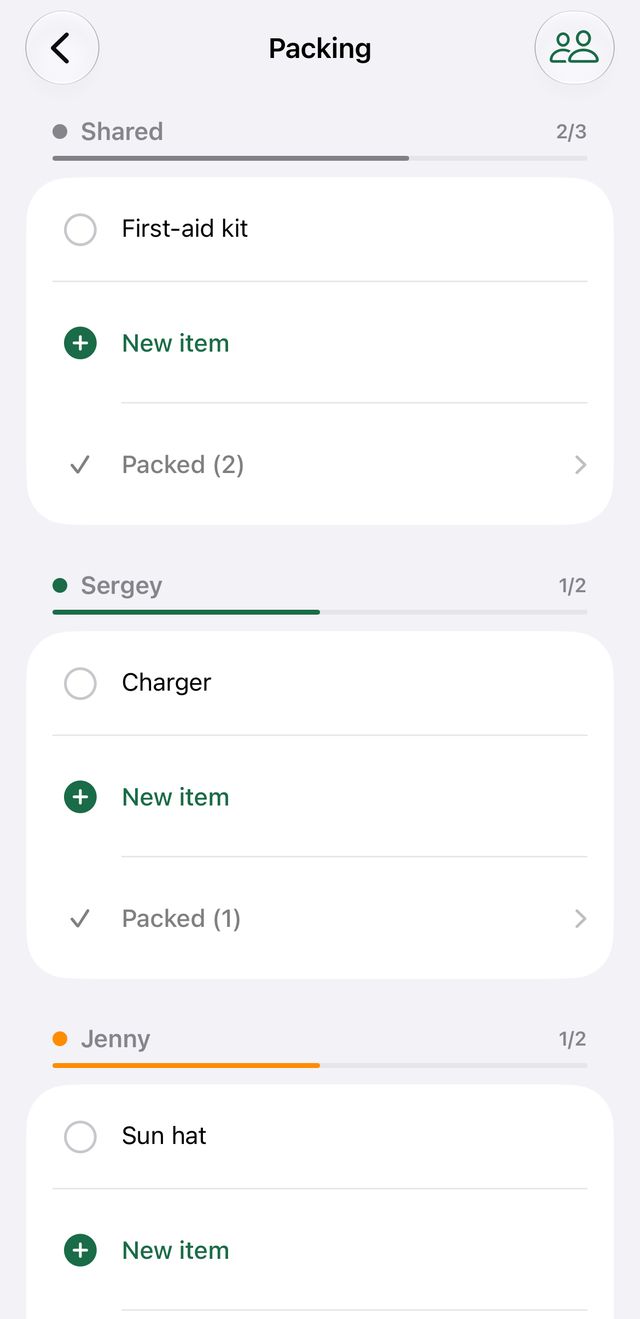
Tap “New item” under a list to add to it.
- 4
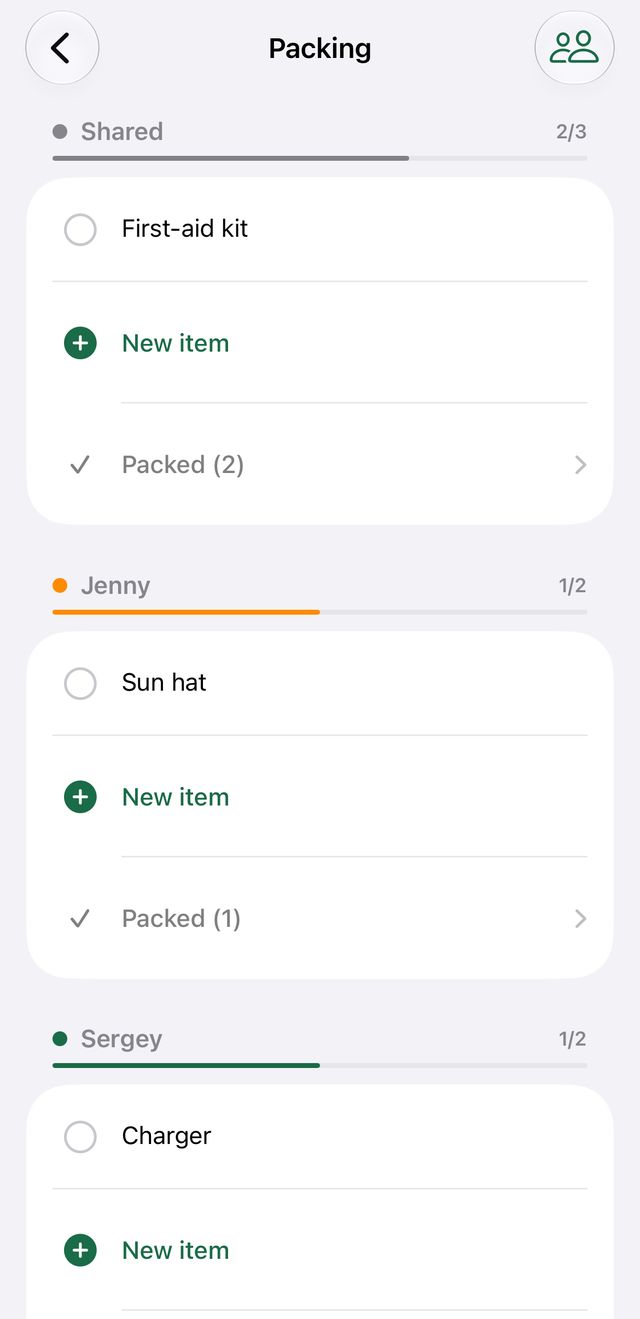
Tap the circle next to an item to tick it off — the trip screen shows packed/total at a glance.